Skip the line.
Keep the customer.
Zerokue replaces the crowd at the counter with a digital queue. Customers take a number and see their place in line; your team calls and serves from a simple merchant screen.
Three steps, start to finish.
- 01
Customer joins
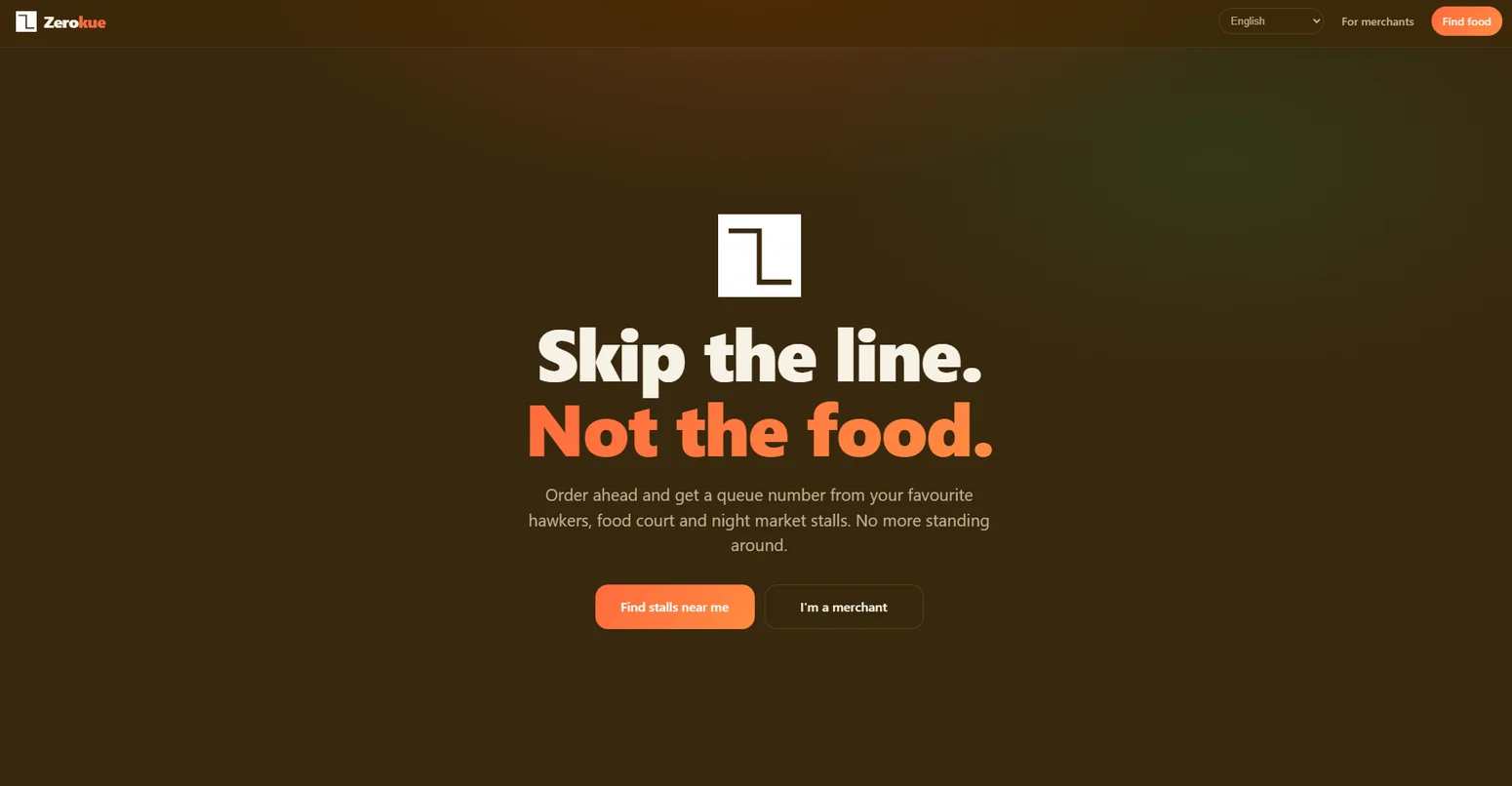
From the Zerokue welcome screen, a customer requests a queue number — no paper slips at the counter.
- 02
Ticket on screen
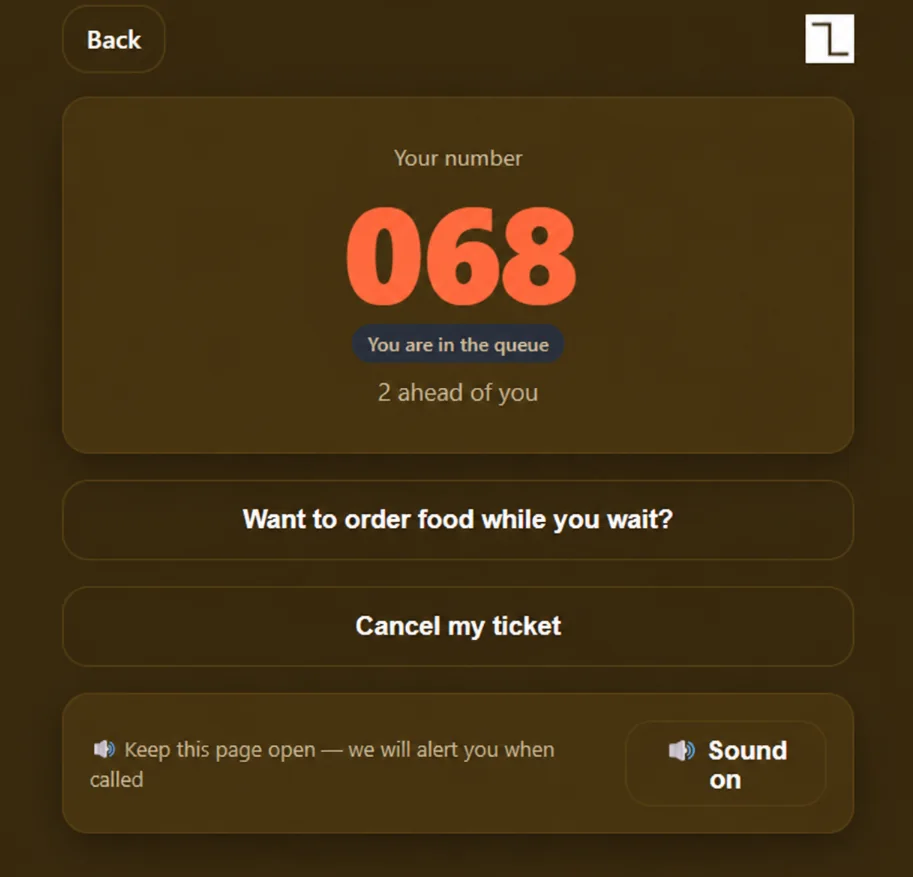
Their ticket shows the queue number and how many people are ahead, so they know when to come back.
- 03
Team serves
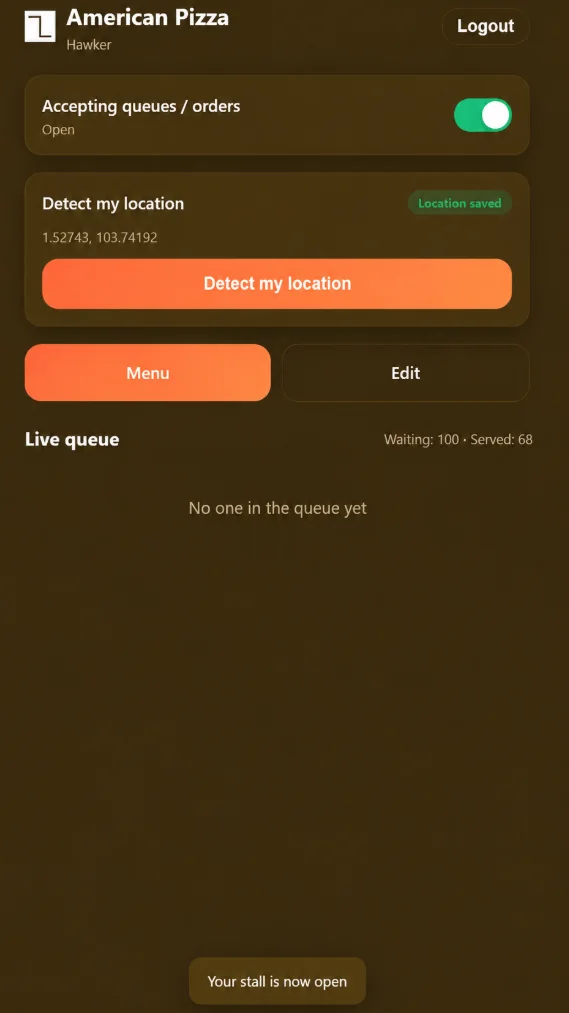
Staff pick the location and manage the queue from the merchant view, with waiting and served counts.
A better way to wait your turn.
Zerokue makes the queue experience visible. Customers can get a digital ticket and check their place, while businesses can see and manage incoming queues.
Give your guests
their place in line.
Digital queue numbers
Replace the uncertainty of waiting with an easy-to-see customer ticket.
Customer queue visibility
Show the ticket number and the count of customers ahead on the customer screen.
Merchant controls
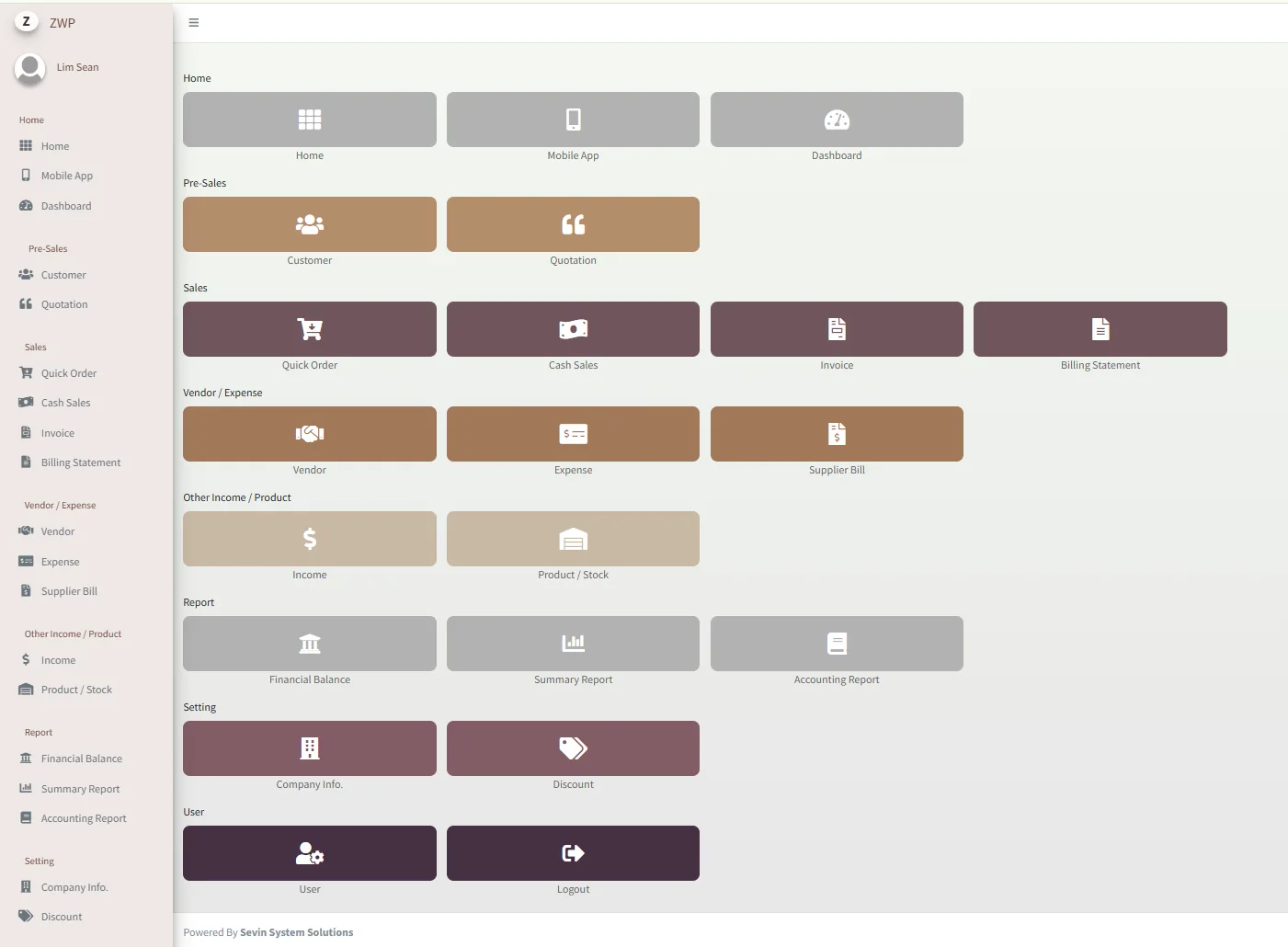
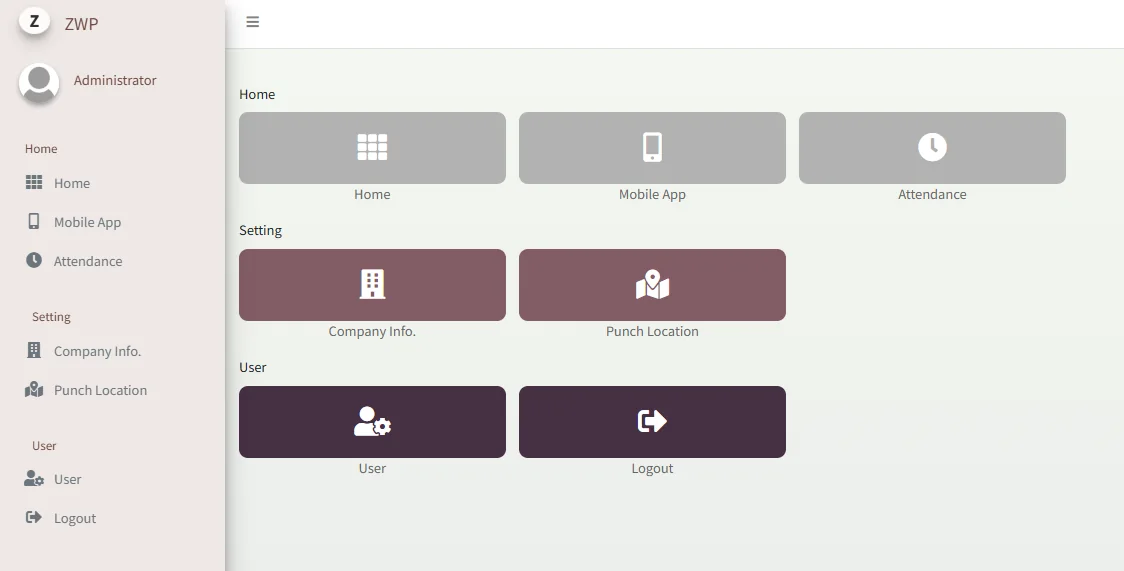
Support daily queue handling with location selection and waiting/served counters.
The screens your team will use.
Good fit for Restaurants, cafés, clinics, service counters — anywhere customers wait their turn.
- Digital queue tickets
- Queue position display
- Customer welcome screen
- Get-a-number flow
- Merchant queue controls
- Location selection
- Waiting / served counters
Ready to shorten
the line?
We'll show you Zerokue end to end — the customer ticket, the merchant screen and how it would fit your outlet.
Arrange a Zerokue walkthrough ↗Product screenshots are supplied reference interfaces and may include illustrative records. Exact features, access, pricing and integrations are confirmed with Sevin.