Know who's in.
Without the chase.
ZWP Attendance gives staff a simple punch screen tied to your workplace locations, and gives administrators one place to review attendance and working hours.

Three steps, start to finish.
- 01
Set your workplaces
Administrators define office locations and check the configured area on the map.
- 02
Staff punch in & out
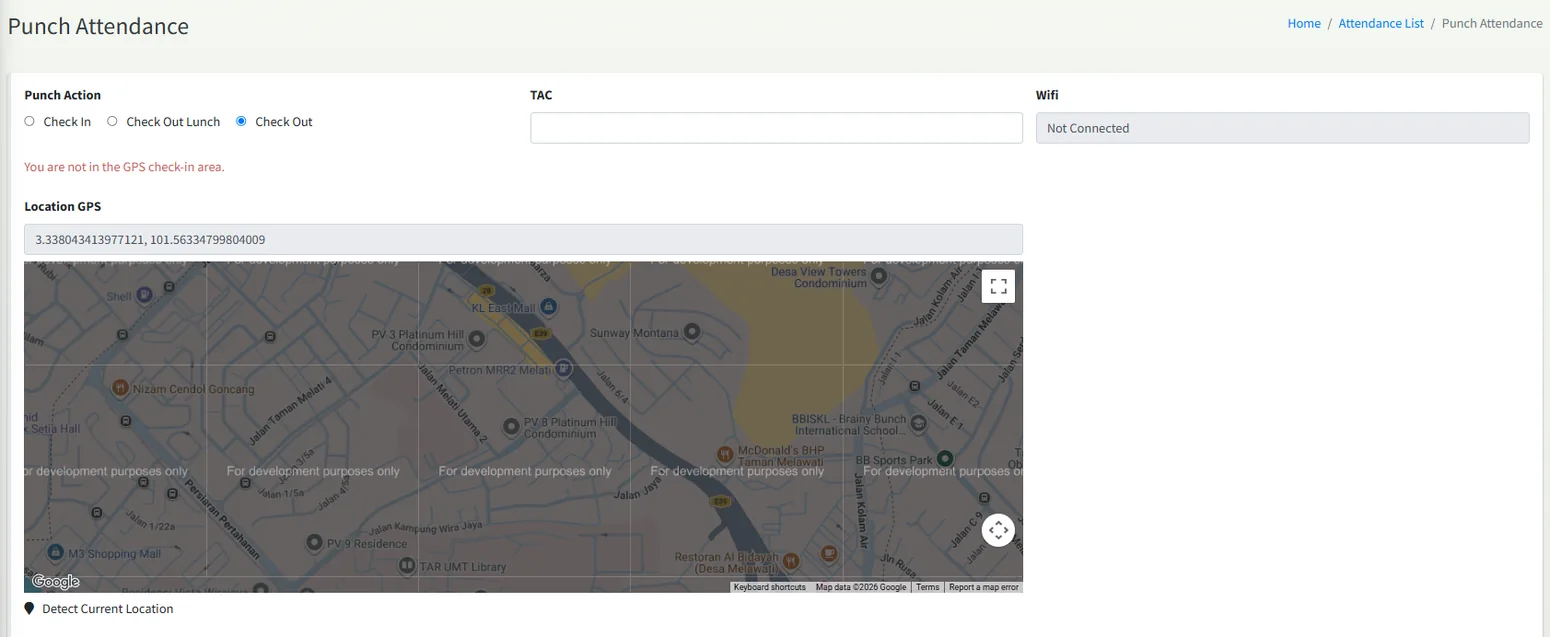
Employees record check-in and check-out from the punch screen, with the workplace shown on the map.
- 03
Review attendance
Admins see punch records and daily working hours together, with staff setup in the same workspace.
A clearer picture of every workday.
Bring the essential attendance records together. See staff punch information, define workplace locations and review working hours with less manual follow-up.
Time records,
without the chase.
Staff attendance records
Check punch information and daily working hours in a single workflow.
Workplace locations
Use location settings to define office sites and review the configured mapped area.
Team administration
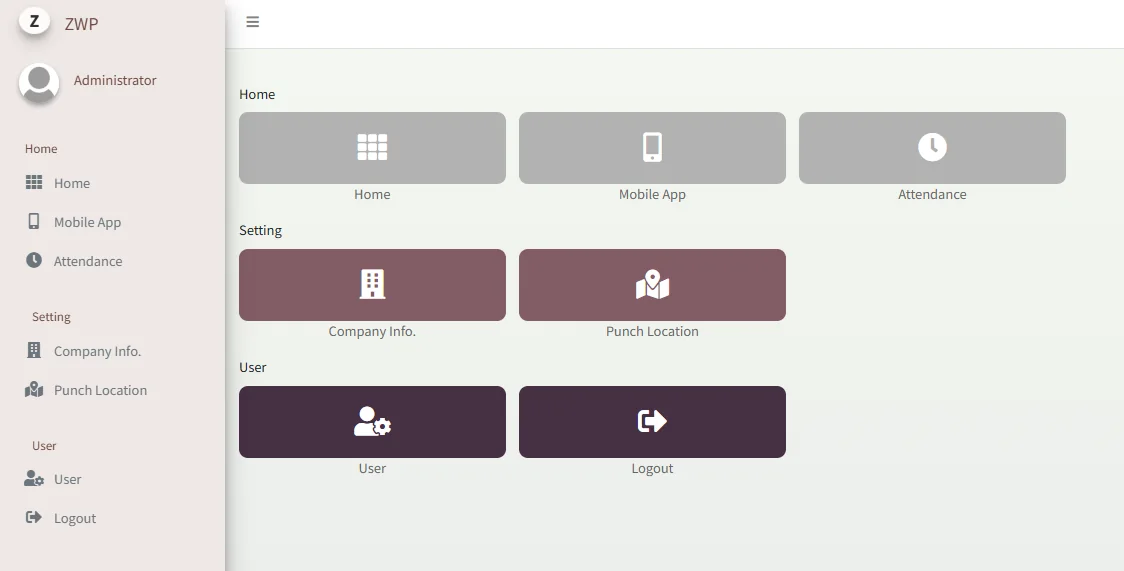
Keep staff setup and attendance-related options accessible to administrators.
The screens your team will use.
Good fit for Teams across one or more sites that want attendance records without manual timesheets.
- Punch check-in / check-out
- Workplace location setup
- Map view
- Attendance records
- Working hours
- Staff setup
- Administrator workspace
Make attendance
the easy part.
See ZWP Attendance with your own locations and team structure in mind — we'll confirm setup and availability with you.
Request an attendance demo ↗Product screenshots are supplied reference interfaces and may include illustrative records. Exact features, access, pricing and integrations are confirmed with Sevin.