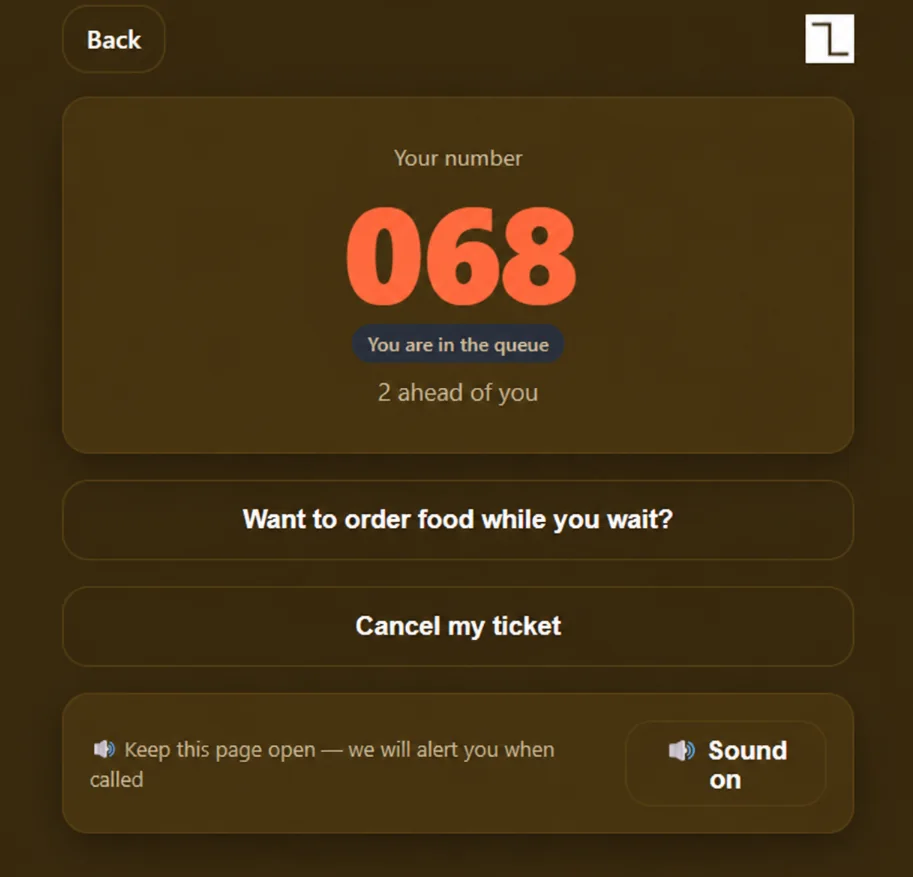
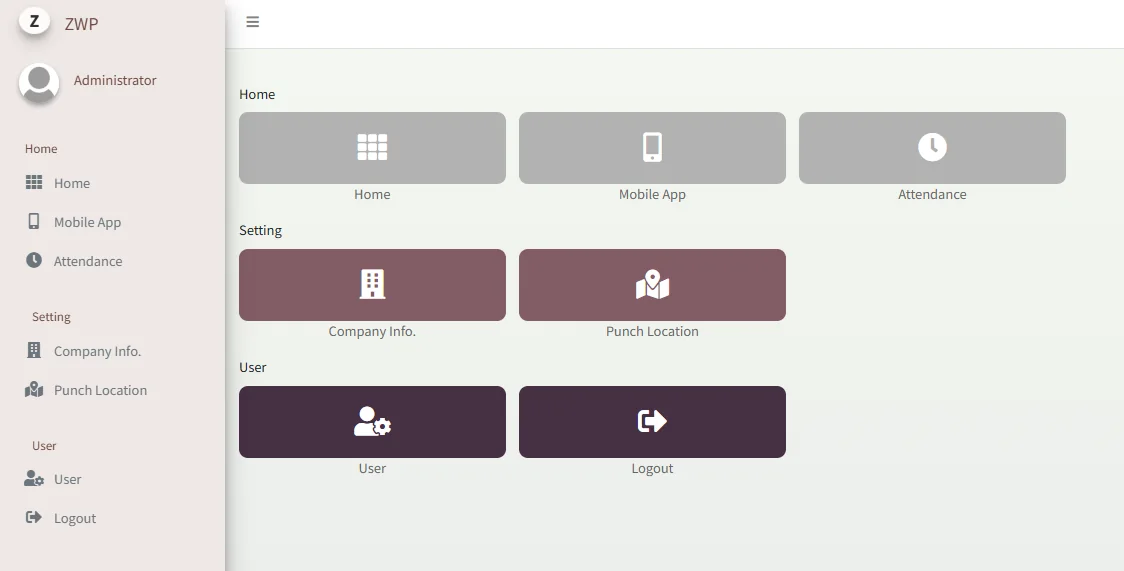
Quotation to invoice,
in one place.
ZWP Invoicing brings your customer records, quotations, invoices and billing statements into a single workspace — with a dashboard to see how the business is doing.
Three steps, start to finish.
- 01
Keep customers on file
Customer records sit in the same workspace, ready when a client calls or follows up.
- 02
Quote and bill
Prepare quotations, invoices, cash sales and billing statements without switching tools.
- 03
Review the numbers
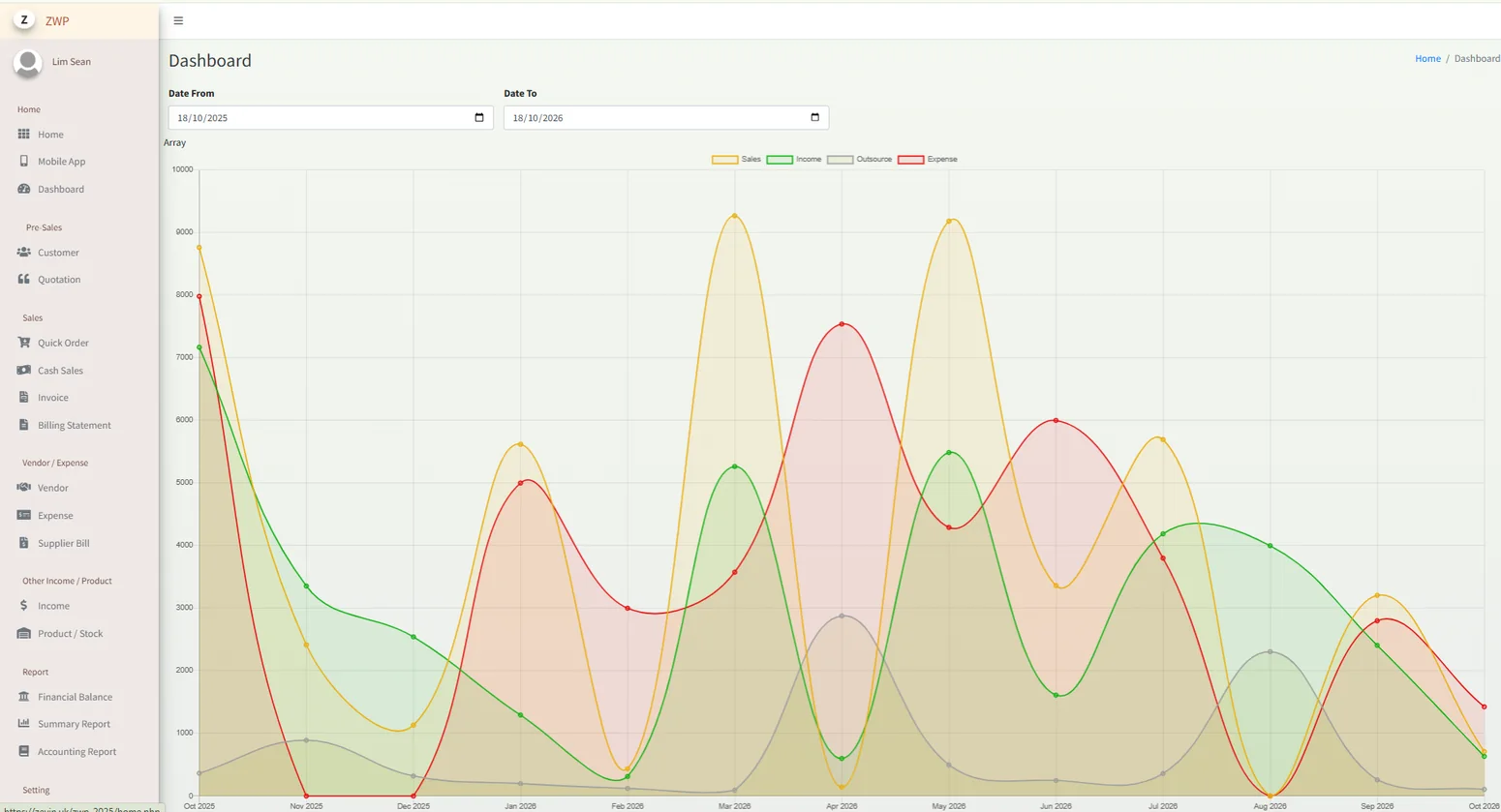
Use the dashboard, expense and stock screens to see business activity at a glance.
Keep your sales work in one place.
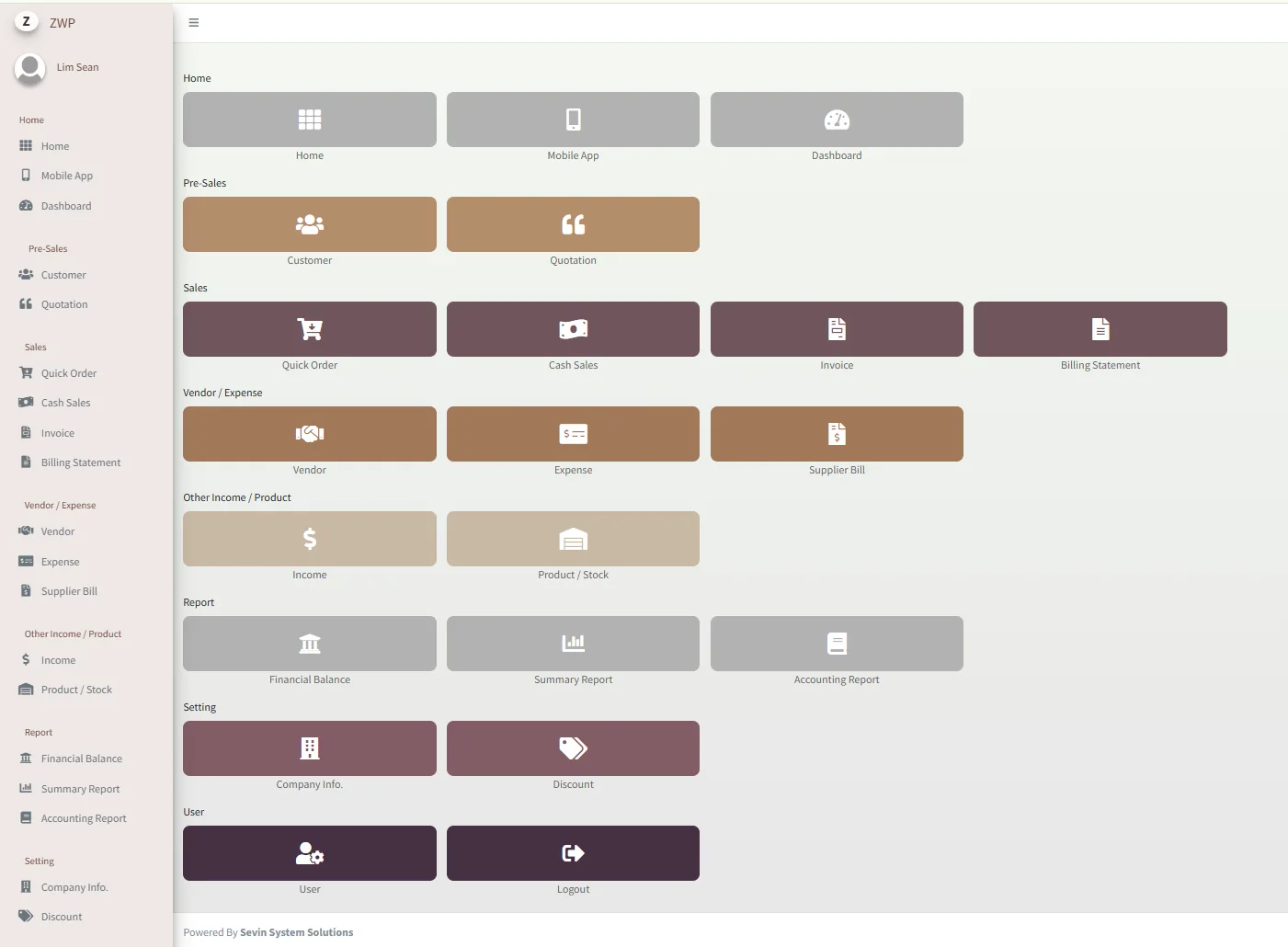
ZWP Invoicing brings frequently used customer and sales tools into one workspace. Move between quotation records, invoices, billing and reporting without losing track of the day.
Less digging.
More doing.
Customer & quotation tools
Open customer records and review quotation details when a client follows up.
Day-to-day billing
Find invoice, cash sale and billing statement sections in the same business workspace.
A broader business view
Use available expense, stock and dashboard screens for review and reporting.
The screens your team will use.
Good fit for SMEs and trading businesses that still juggle quotations and invoices across spreadsheets and templates.
- Customer records
- Quotations
- Invoices
- Cash sales
- Billing statements
- Expenses
- Stock
- Dashboard & charts
Spend less time
on paperwork.
We'll walk you through ZWP Invoicing using your own quotation-to-invoice routine, and confirm what fits your business.
Request an invoicing demo ↗Product screenshots are supplied reference interfaces and may include illustrative records. Exact features, access, pricing and integrations are confirmed with Sevin.